

Ask Sam just One Question to plan And book Your Trip
Not only you can find out all you need to know about your rail trip on Conductor Sam, you can now book it too!
Table of Contents
Share

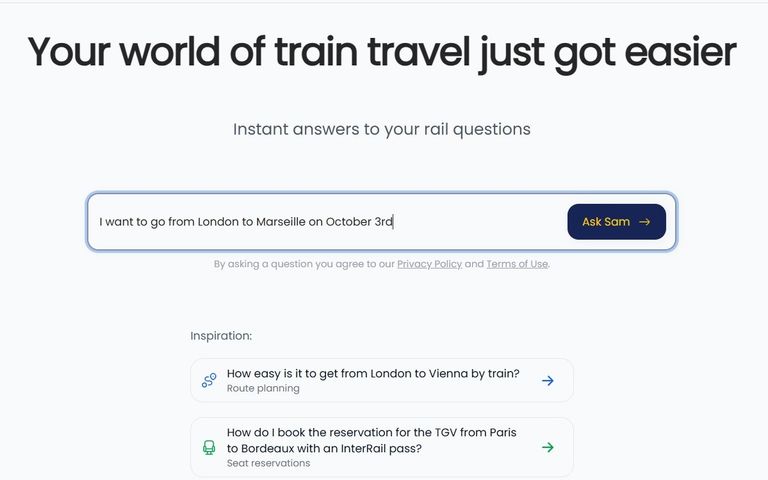
Step One:
Ask Conductor Sam about the journey you want to take.
Step Two:
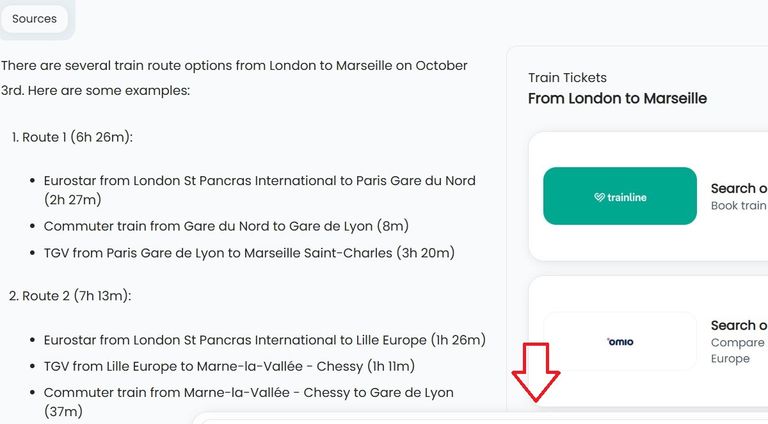
The journey from London to Marseille is comparatively long and indirect, but the options that Sam has found, also show how easy it can be.
The arrow has been added to illustrate that yet more options can be found further down the page.
Step Three:
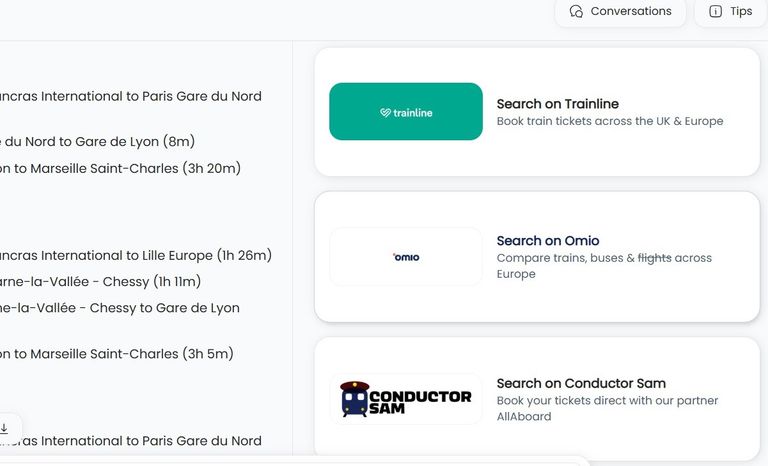
On a PC the easy step to booking tickets for the journey is beside the answer that Sam has found.
Sam is plugged into multiple agents including Trainline and Omio.
When using Conductor Sam on a mobile device, there will be a tickets tab...
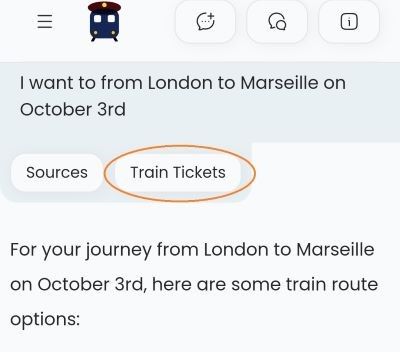
...when clicked it will open up the multiple ticket agents that Sam partners with.
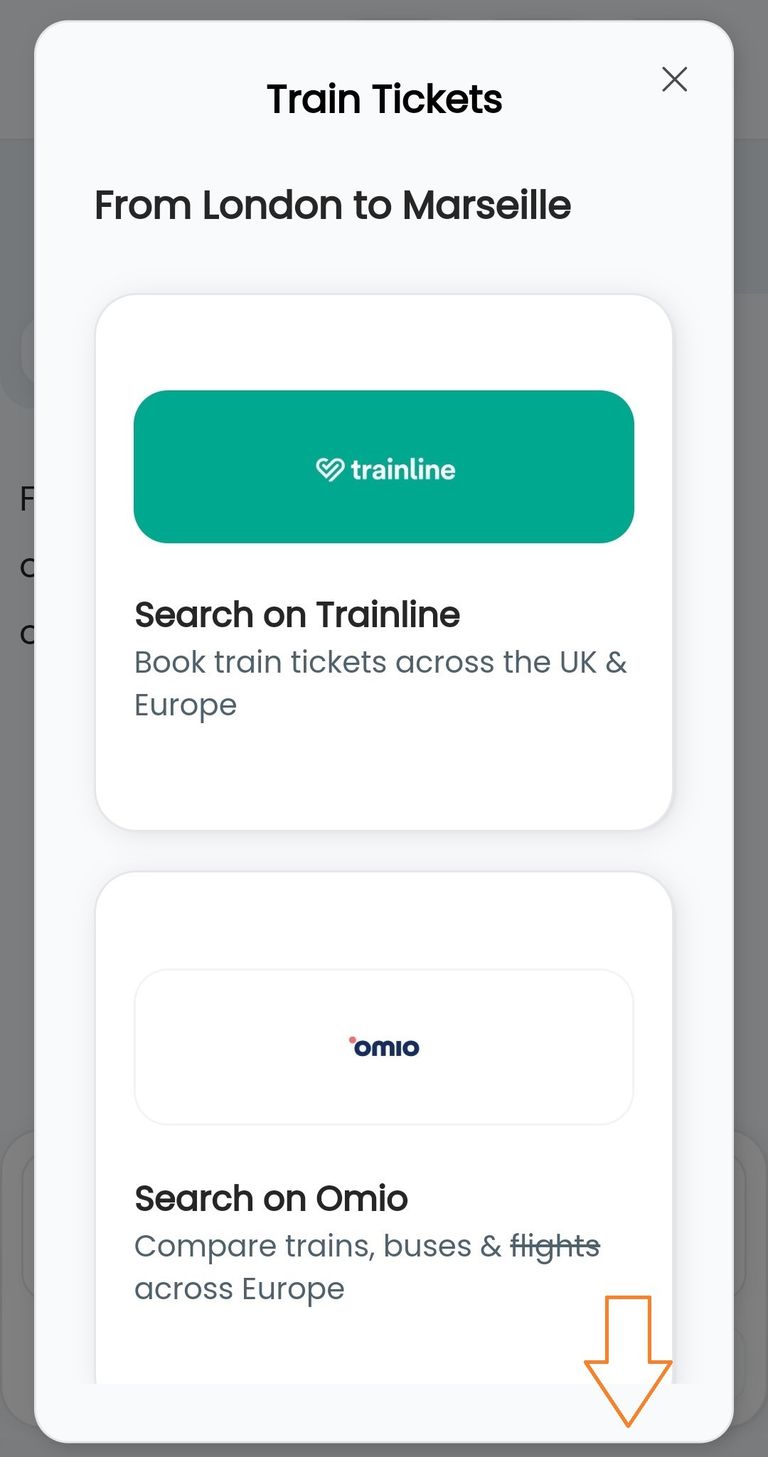
Step Four:
The ticket agents automatically pick up the journey that Sam has been asked about, so there is no need to search for it again on the ticket agent.
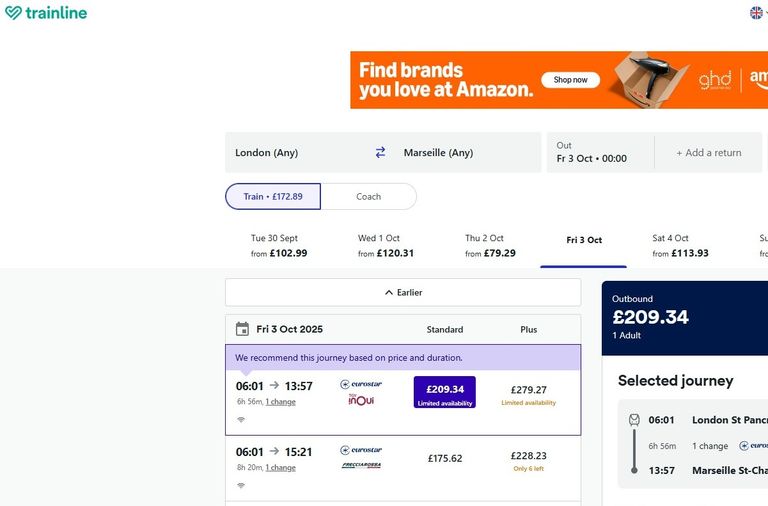
Step Five:
When the ticket booking window is closed the answer to the one, initial, question can be scanned and beneath it, Conductor Sam provides a service which sets it apart from the likes of Chat GPT and Gemini.
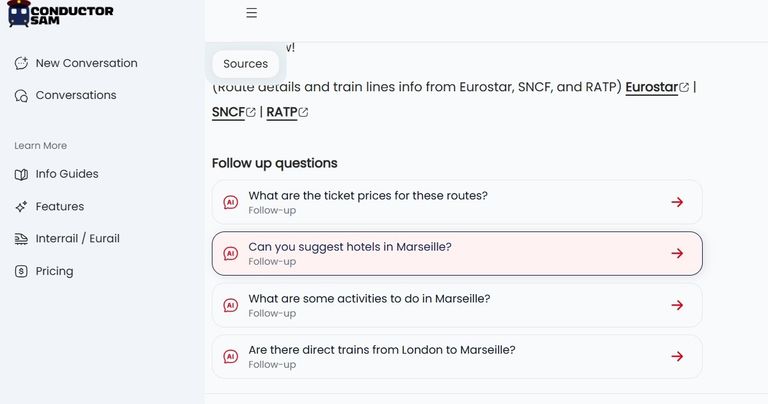
These are the Follow Up questions which Sam will automatically ask with a goal of providing easy access to deeper information about the planned trip.
These questions aren't fixed, the idea is that they will vary and pick up on each user of Sam's preferences.
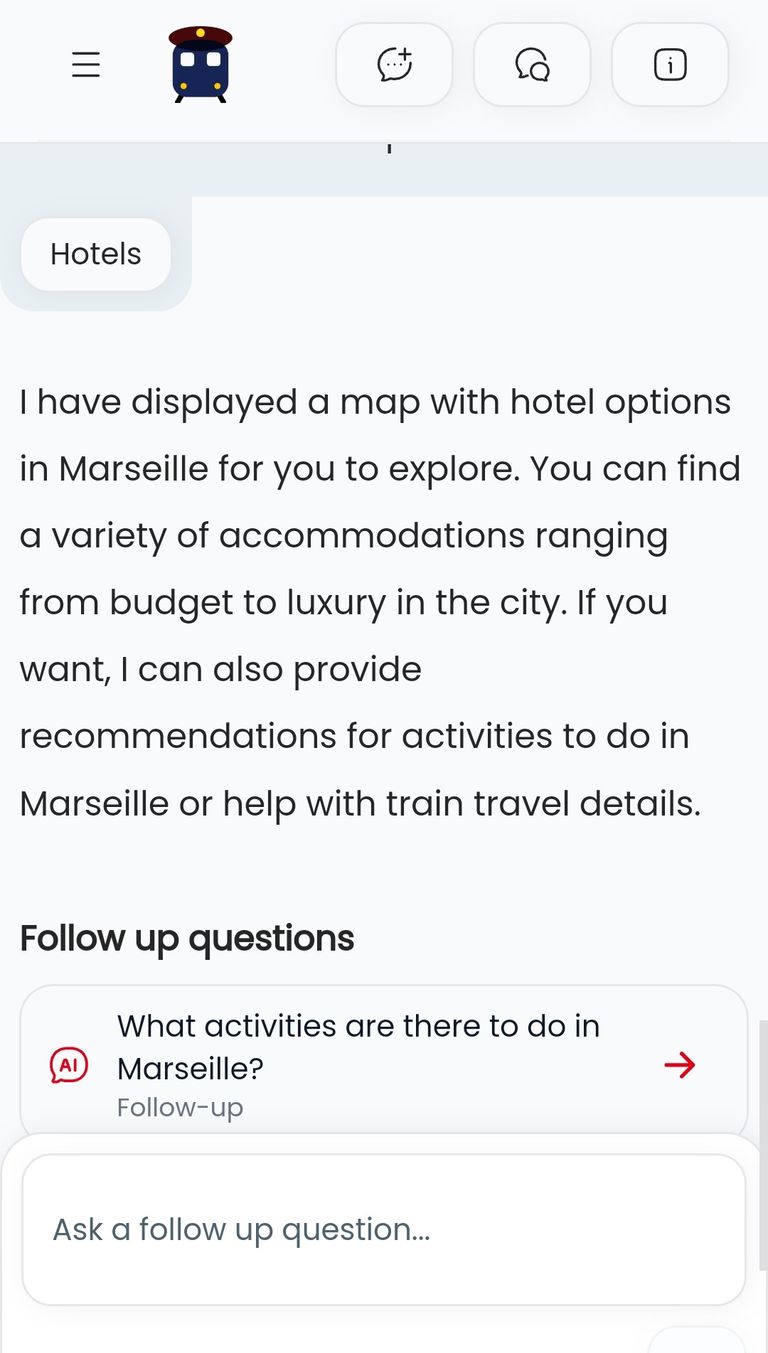
In this instance, one of the follow up questions is focused on the hotels at the destination, in this example, Marseille.
When clicked the answer will feature a map of the destination, which will usually be centered on the main rail station.
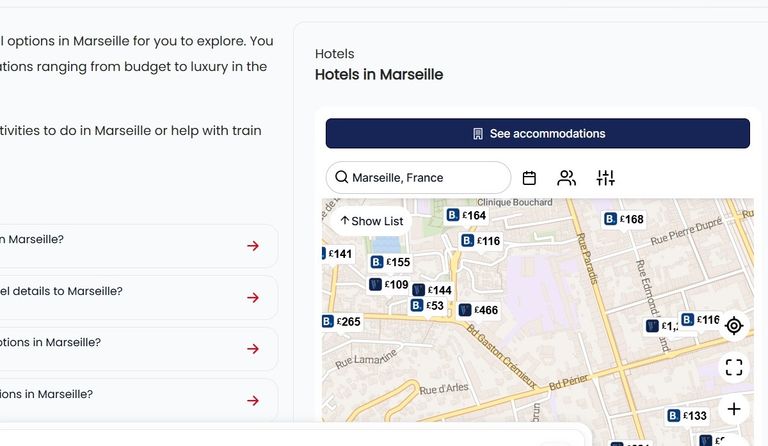
The accommodation partner which Sam is plugged into works with multiple booking services, including Booking.com and Hotels.com and Vrbo.
When using Conductor Sam on a mobile device, there is a 'Hotels' tab which can be clicked.
Step Six:
When the accommodation window is closed, yet more Follow Up questions can be accessed and in this instance, one of these is honed in on what a traveller can do on arrival at the destination.
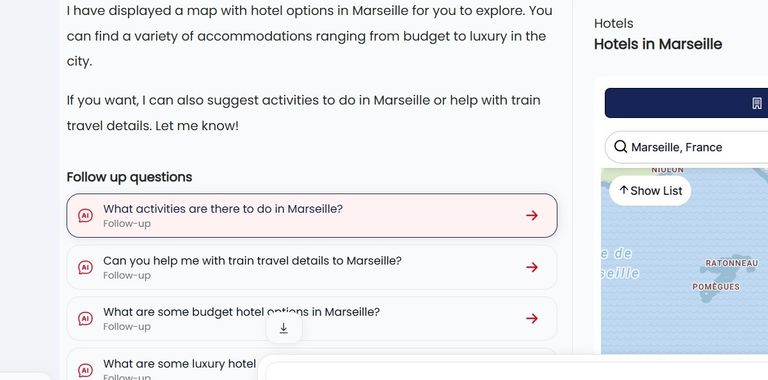
When clicked the answer includes a summary of activities which have been compiled by Get Your Guide.
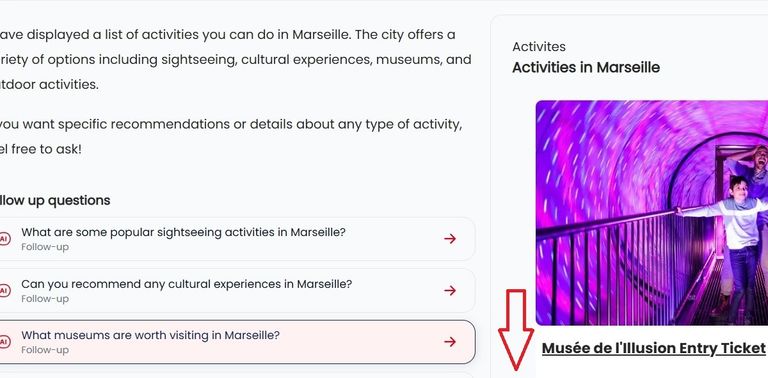
On a PC / laptop there will be a pre-populated list of activities, which can be booked on Get Your Guide (the added arrow indicates that more options can be found further down the page).
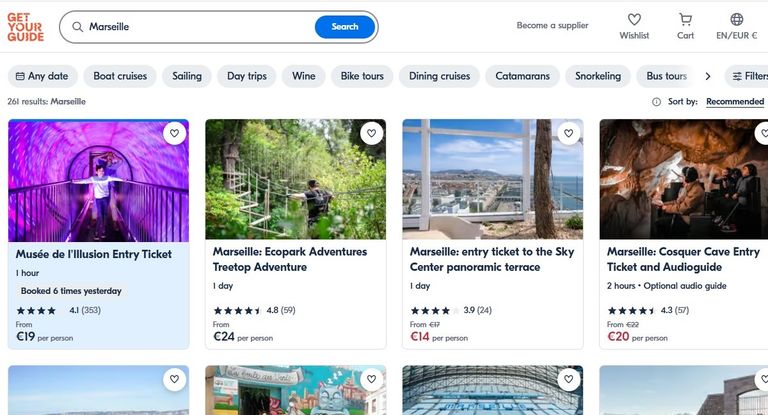
When clicked, all of the most popular activities in the destination, in this example, Marseille, can be easily accessed.
Summary
Conductor Sam was asked one thing, 'I want to go from London to Marseille...' and from its answer and associated Follow Up questions, it was possible to;
- discover multiple options for how to take the journey by train
- book the tickets for the journey
- book accommodation at the destination
- discover and book things to do at the destination.
About the Author
Simon Harper has been writing about international rail journeys for over 10 years.